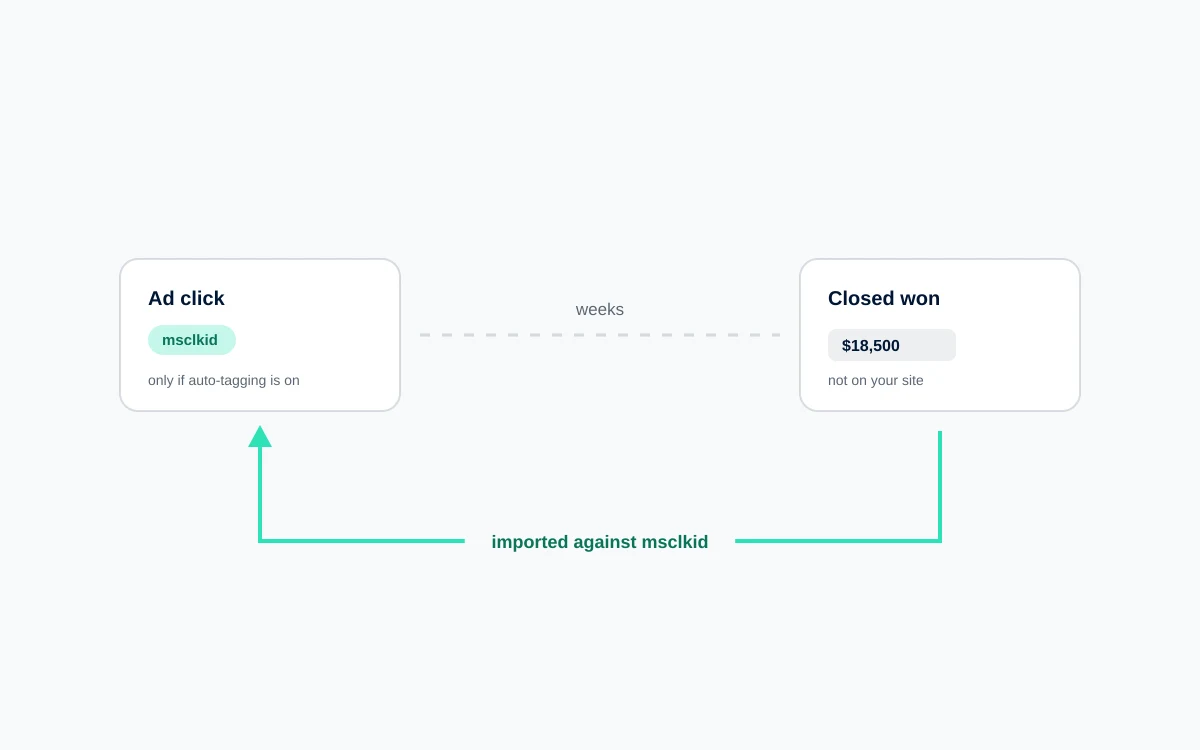
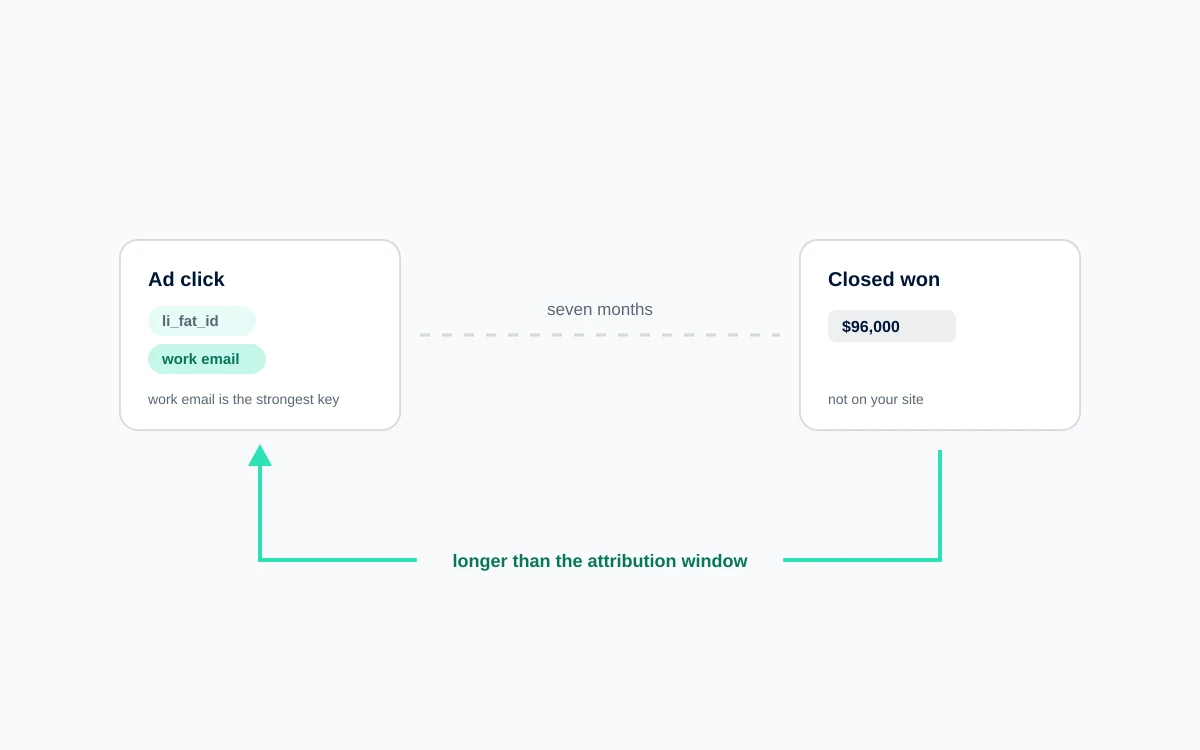
Google Ads knows what happened up to the moment someone submitted your form. After that, nothing. It does not know whether the lead was qualified, whether sales could reach them, whether a deal opened, or whether anyone ever signed anything.
So it optimizes for the last thing it can see, which is the form submission. And it gets very good at producing form submissions, including the ones your sales team deletes on sight.
Connecting your CRM back to Google Ads closes that loop. Here is what the setup actually involves.
Smart bidding maximizes whatever you tell it to maximize. If a form fill is the goal, it will find the cheapest possible form fills, and cheap form fills come from vague queries, curious audiences, and placements where people click without deliberating. The algorithm is not malfunctioning. It is obeying.
Cheap form fills come from specific places: broad queries with vague intent, audiences that are curious rather than in market, and placements where people click without much deliberation. The algorithm is not making a mistake by pursuing them. It is meeting the objective you set, efficiently.
The result is the pattern nearly every B2B marketer recognizes. Cost per lead improves quarter over quarter. Lead volume rises. Pipeline stays flat. Sales starts ignoring marketing leads. Marketing points at the dashboard, sales points at their calendar, and both are correct.
The only way out is to change what the algorithm is optimizing for, and that requires telling it what happened after the form.
How does offline conversion tracking work?
The concept is simple even though the plumbing has a few parts. Google tags each ad click with a unique identifier, you store that identifier against the lead it produced, and when the deal closes you send it back with the outcome. Google matches it to the original click. Everything else is implementation detail.
When someone clicks your ad, Google appends a unique identifier called a GCLID to your landing page URL. That identifier represents that specific click by that specific person.
You capture it, store it alongside their lead record, and forget about it. Weeks later, when that lead becomes an opportunity or closes as a deal, you send the GCLID back to Google with a conversion name, a timestamp, and a value.
Google matches the GCLID to the original click and credits the outcome to the campaign, ad group, and keyword that produced it. Bidding now has a training example that says "this specific auction produced revenue," which is a fundamentally better lesson than "this auction produced a form submission."
What do I need to set it up?
Six things, and the first is the one most often quietly switched off: auto tagging, GCLID capture on your forms, a CRM field to hold it, conversion actions defined in Google Ads, an import mechanism, and a schedule that runs whether or not anyone remembers it.
Auto tagging enabled. In Google Ads under Account Settings. Without it there is no GCLID. Check this first, because a surprising number of accounts have it switched off from an old troubleshooting session.
GCLID capture on your forms. A hidden field on every lead form, populated by JavaScript that reads the parameter from the URL. Critically, the value needs to persist across the session, because most people do not convert on the page they landed on. Store it in a first party cookie on first arrival and read from there at submission.
A field in your CRM to hold it. A custom text field on the contact or lead object, mapped from the form. Make sure it carries through to any opportunity or deal created from that contact, or the connection breaks at the exact moment it becomes valuable.
Conversion actions defined in Google Ads. One per stage you want to import. Under Tools, then Conversions, create each with the source set to Import.
An import mechanism. Native integration if you use HubSpot or Salesforce, a scheduled file upload otherwise, or the API if you have development resource.
A defined schedule. Daily or weekly. Weekly is fine for most sales cycles.
How do I connect HubSpot or Salesforce to Google Ads?
Both have native integrations, and both work by mapping a CRM milestone onto a Google Ads conversion action. Anything else uploads a file or posts to the API on a schedule.
Salesforce has the most mature integration. In Google Ads, go to Tools, then Data Manager or Linked Accounts, and connect your Salesforce account. You then map Salesforce milestones to Google Ads conversion actions: Opportunity Created maps to one, Closed Won maps to another. Google reads status changes on records carrying a GCLID and imports them automatically. The main prerequisite is that the GCLID field is populated and accessible to the integration user.
HubSpot offers a native Google Ads integration that handles the GCLID capture automatically on HubSpot forms, which removes the most error prone step. You can then map lifecycle stages or deal stages to Google Ads conversion actions. If you use non HubSpot forms, you will need to handle capture yourself and ensure the value reaches the contact record.
Other CRMs work through scheduled uploads. Build a report containing GCLID, conversion action name, conversion time, value, and currency. Export it on a schedule and upload via Google Ads, or automate it through the API or a tool like Zapier.
Whichever route, the same constraint applies: Google accepts offline conversions up to ninety days after the click. Sales cycles longer than that need an earlier milestone as the optimization target.
How does smart bidding change when it learns from closed deals?
The mechanics are the same. The training data is different, and that changes everything downstream. The model stops correlating form submissions with auction characteristics and starts correlating qualified leads, or revenue, with the same characteristics. Allow at least one full sales cycle before judging it, because the feedback loop now runs through your pipeline.
Previously the model correlated form submissions with auction characteristics. Now it correlates qualified leads, or revenue, with those same characteristics. It discovers that certain queries produce form fills but never opportunities, and stops bidding on them. It discovers that a more expensive query produces leads that close at three times the rate, and bids up accordingly.
If you assign values rather than just counts, value based strategies become available. Target ROAS on a lead generation account is only meaningful once the platform knows a demo request from an enterprise prospect is worth more than one from a sole trader.
Plan for two cycles before drawing conclusions.
What should I expect after implementation?
Four things, and only one of them looks like good news at first. Volume falls, cost per conversion rises, quality improves a cycle or two later, and some campaigns turn out to have been producing nothing of value all along.
Reported conversion volume drops, substantially. If you move the primary action from form fills to qualified leads, expect a decline of fifty to eighty percent. This is arithmetic, not performance.
Cost per conversion rises. Same reason. Your cost per qualified lead was always this number, you simply were not measuring it.
Lead quality improves within one to two sales cycles. This is the change sales will notice before your reporting does.
Some campaigns will be revealed as worthless. Campaigns that produced volume and no pipeline become visible for the first time. This is usually the highest value output of the whole exercise.
Your reporting narrative needs to change first. If leadership tracks cost per lead as a headline metric, this transition looks like failure for a quarter. Have that conversation before implementation, not during. Switch the headline metric to cost per qualified lead or pipeline generated.
Start with capture
Even if you are not ready to change bid strategies, capture the GCLID and store it in your CRM now. It costs a developer a few hours, it breaks nothing, and it starts accumulating the data every later step depends on. Without it, the day you decide to do this properly, you begin from zero.
FAQ
How do I connect my CRM to Google Ads?
Enable auto tagging, capture the GCLID on your lead forms into a hidden field, and store it on the record in your CRM. Then create conversion actions in Google Ads with the source set to Import, and either use a native integration for Salesforce or HubSpot or upload conversion data on a schedule. Each import needs the GCLID, conversion name, timestamp, and value.
What is offline conversion tracking in Google Ads?
It is the mechanism for reporting conversions that happen away from your website, such as a deal closing in your CRM weeks after the original click. You send Google the stored GCLID along with the outcome, and Google credits it to the campaign and keyword that generated the click. This lets bidding optimize toward revenue rather than form submissions.
How long after a click can I import an offline conversion?
Ninety days. Conversions imported after that window will not be attributed. If your sales cycle regularly exceeds ninety days, optimize toward an earlier milestone such as a qualified lead or opportunity created, and use closed won data separately to inform the values you assign to those earlier stages.
Does HubSpot integrate with Google Ads offline conversions?
Yes. HubSpot offers a native Google Ads integration that captures the GCLID automatically on HubSpot forms and lets you map lifecycle or deal stages to Google Ads conversion actions. If you use forms outside HubSpot, you will need to handle GCLID capture yourself and ensure the value reaches the contact record.
Will my conversion volume drop after connecting my CRM?
Yes, and significantly. Moving the primary conversion from form fills to qualified leads typically cuts reported volume by fifty to eighty percent, with cost per conversion rising to match. Nothing about your business changed. You are now measuring a narrower, more meaningful event, which is the entire point of the exercise.
 Paid Media