There is a single hidden field that determines whether you can ever prove which Google Ads keyword generated your best customer. Most lead forms do not have it.
It is called the GCLID, it takes a developer an afternoon to implement, and without it every downstream attribution project you might attempt is impossible. Not difficult. Impossible.
What is GCLID and why does it matter?
GCLID is the handle that connects a closed deal to the ad click that started it, and without it that connection cannot be made later by any means.
GCLID stands for Google Click Identifier. When someone clicks your Google Ads ad and auto tagging is enabled, Google appends a parameter to your landing page URL that looks something like ?gclid=Cj0KCQjw....
That string is a unique reference to one specific click: which campaign, which ad group, which keyword, which device, which auction, at what moment. Google holds all of that detail on its side. The GCLID is your handle on it.
The parameter costs nothing and arrives automatically. The problem is that it exists only in the URL of the page the visitor landed on, and it evaporates the moment they navigate anywhere else. If you do not deliberately catch it, it is gone.
How does GCLID connect a closed deal back to the keyword that generated it?
You store the identifier when the visitor first arrives, and send it back to Google with the deal value when the contract is signed. Google matches it to the original click and credits the revenue to the keyword that earned it.
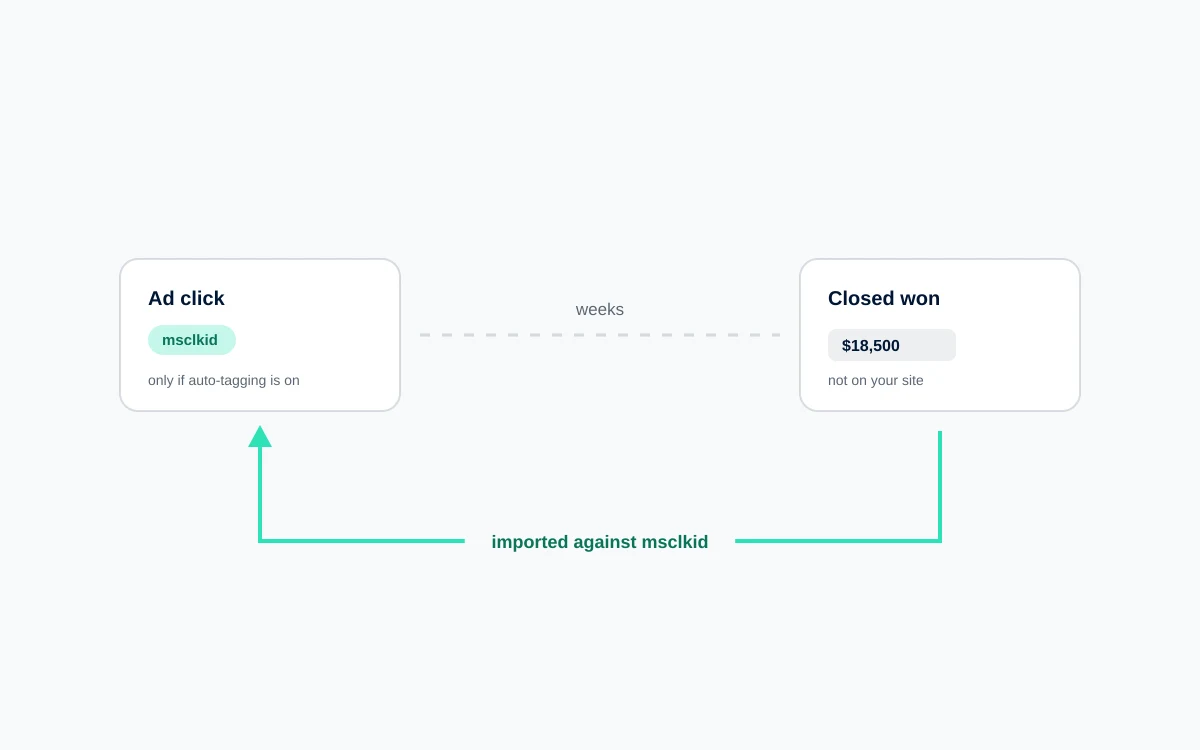
Consider a typical B2B path. Someone searches, clicks your ad, reads a blog post, leaves. Returns two weeks later, reads a case study, downloads a guide. Returns again, requests a demo. Sales calls, qualifies them, runs a process over six weeks, and closes a forty thousand dollar contract.
Google Ads sees a click and, if you are lucky, a form fill. It has no idea a contract was signed, so it cannot tell you which keyword was worth bidding on.
Now add GCLID capture. The identifier is stored on that person's record when they first arrive. When the deal closes eleven weeks later, you send the GCLID back to Google with the value. Google matches it to the original click and attributes forty thousand dollars of revenue to that specific keyword.
Multiply that across a few hundred deals and you have something no amount of dashboard work can substitute for: evidence of which parts of your account produce revenue rather than activity.
Five reasons, and the third is the one that fools people, because it looks like it is working right up until somebody checks the data.
The reasons are consistent and none of them are complicated.
Nobody specified it. Forms are built by web developers to collect the information the business asked for. GCLID is not on that list because it is invisible to everyone except the person doing attribution.
Form builders do not do it automatically. Most third party form tools have no idea what a GCLID is. Some, like HubSpot's native forms, handle it. Most do not.
It was captured but not persisted. This is the most frustrating failure, because it looks like it works. A hidden field reads the parameter from the current URL. That succeeds when someone converts on the landing page, and silently returns empty for everyone who browsed first. Since most B2B visitors do not convert on arrival, you capture perhaps twenty percent of what you should.
It was captured but not stored. The field populates, the form submits, and the value never gets mapped to a field in the CRM. It reaches the form handler and stops there.
Auto tagging is off. Without auto tagging, Google never appends the parameter. It gets disabled during troubleshooting and never re enabled more often than you would expect.
How do I add GCLID capture using hidden fields?
The implementation has three parts, and the middle one is where most attempts fall down: hidden fields on every form, a script that captures the parameter on first arrival and persists it, and a second script that reads from that storage at submission. Reading from storage rather than the URL is the part that matters.
Add hidden fields to every lead form. Not just the main demo request form. Every form that creates a record: contact, newsletter, content download, event registration. A standard hidden input with a name your form handler will pass through, plus equivalents for the UTM parameters so you cover non Google traffic too.
Capture and persist on first arrival. Add a script that runs on every page. On load, it checks the URL for a gclid parameter. If present, it writes the value to a first party cookie with an expiry of ninety days, which matches Google's import window. Store the capture timestamp alongside it.
Persisting is the part that matters. Without it you only catch visitors who convert on the landing page.
Populate the fields at submission. A second script reads the cookie and writes the value into the hidden field just before the form submits. Reading from the cookie rather than the URL is what makes this work for the majority of your leads.
Handle the returning visitor question deliberately. If someone arrives from a second ad click, do you overwrite the stored GCLID or keep the original? Overwriting gives you last click, keeping gives you first click. Store both if you can, in separate fields, and decide later.
How do I store GCLID in my CRM?
Four steps: a custom field long enough to hold the value, a verified mapping from the form, a check that it carries forward onto whatever object your deals live on, and read only visibility for sales.
Capture without storage is wasted effort.
Create a custom field on the lead or contact object. Plain text, long enough for the full identifier, which can run past a hundred characters. Add fields for the UTM parameters and the capture date while you are there.
Map the form field to the CRM field. Verify the mapping rather than assuming it. Submit a real test form and open the resulting record.
Make sure it carries forward. If your CRM creates opportunities or deals as separate objects, the GCLID must copy across. This is the most common silent failure, because everything looks correct on the contact record while the deal that eventually closes has no identifier on it at all.
Make it visible to sales, but not editable. They do not need to interpret it. They just need to not delete it during a merge.
How do I use stored GCLID values for offline conversion imports?
Once the values are accumulating, the import is straightforward. Create an import sourced conversion action per pipeline stage you want to report, then upload the identifier, the stage, the timestamp and the value on a schedule. The constraint to design around is the ninety day window.
Create a conversion action in Google Ads under Tools, then Conversions, with the source set to Import. Create one per pipeline stage you want to report: qualified lead, opportunity created, closed won.
Build a report in your CRM that returns, for each qualifying record, the GCLID, the conversion action name, the conversion timestamp, the value, and the currency. Filter to records with a non empty GCLID and a status change in the period.
Upload on a schedule, or use a native integration if your CRM offers one. Weekly is sufficient for most sales cycles.
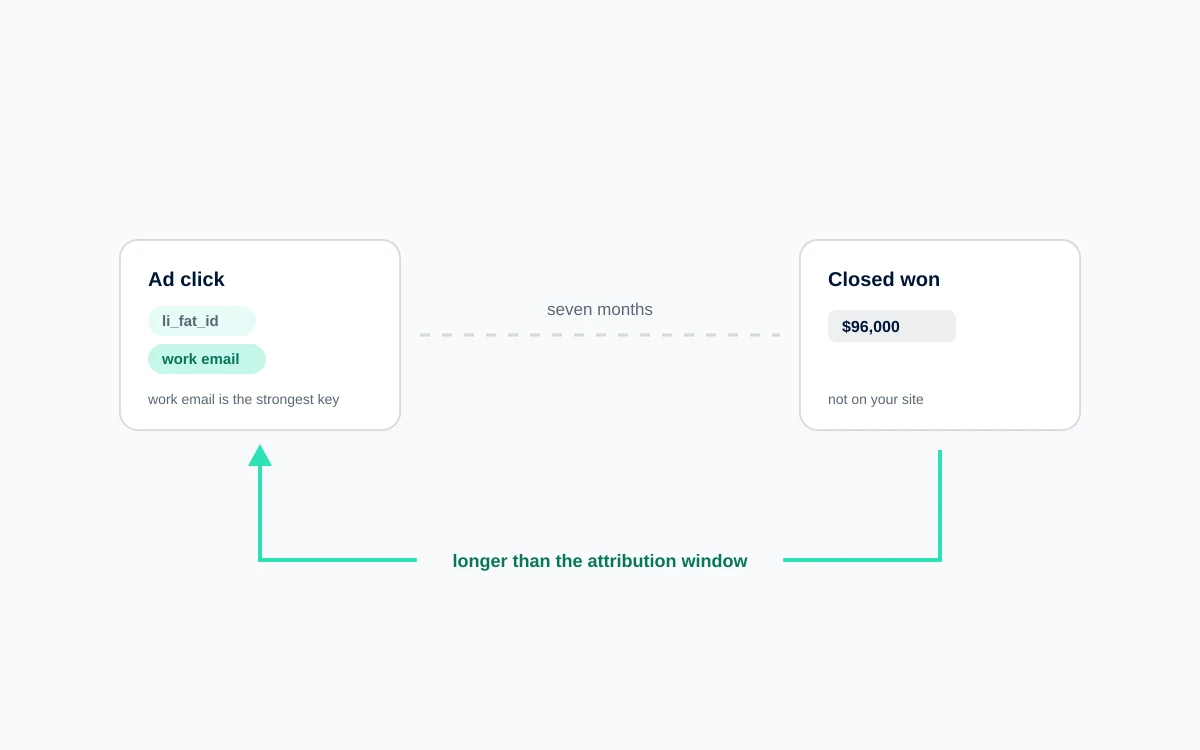
Conversions imported later than that will not attribute. If your typical cycle runs longer, optimize toward an earlier milestone and use closed won only to calibrate the values you assign.
Do this part first
You do not need a strategy meeting to start. Add the hidden fields, add the persistence script, create the CRM field, and verify the chain end to end by clicking one of your own ads and submitting a test form.
Everything else in offline conversion tracking is a decision you can make later. This one is a prerequisite, and every week without it is a week of attribution data you cannot recover.
FAQ
What is a GCLID in Google Ads?
The GCLID, or Google Click Identifier, is a unique parameter Google appends to your landing page URL when someone clicks an ad and auto tagging is enabled. It references that specific click, including campaign, ad group, keyword, and device. Capturing and storing it is what lets you attribute a later outcome, such as a closed deal, back to the exact click that started it.
Add a hidden field to every lead form. Run a script on all pages that reads the gclid parameter from the URL on first arrival and stores it in a first party cookie for ninety days. Then populate the hidden field from that cookie at submission. Reading from the cookie rather than the URL is essential, since most visitors do not convert on the landing page.
Why is my GCLID field empty for most leads?
Almost always because the value is being read from the current URL at submission rather than from stored state. That only works for visitors who convert on the page they landed on. Everyone who browses first submits an empty field. Add first party cookie persistence on arrival and read from the cookie at submission.
How long is a GCLID valid for conversion imports?
Ninety days from the click. Store the GCLID with a ninety day cookie expiry to match. If your sales cycle regularly exceeds that window, you cannot import closed won conversions in time, so optimize toward an earlier milestone such as qualified lead and use closed deal data separately to set the values on those earlier stages.
Do I need GCLID if I use UTM parameters?
Yes, they serve different purposes. UTM parameters are readable and cover every traffic source, but they only identify the campaign, not the individual click. GCLID identifies the specific click and is what Google requires for offline conversion imports. Capture both: GCLID for Google Ads attribution, UTMs for everything else.

 Paid Media