A GA4 measurement plan is a document that says what you will track, why, and exactly how. Most businesses never build one. They configure GA4, add events as needs arise, and end up with a property nobody can explain.
This walkthrough covers the six steps to build one properly. It assumes you have GA4 access and a rough sense of your funnel. It does not assume you are technical.
What is a GA4 measurement plan, and why do most businesses skip it?
The plan is the bridge between business goals and technical implementation. On one side sits a question like "which channels bring us customers who stay". On the other sits a data layer push with a specific parameter structure. The plan connects them, and it gets skipped because it produces nothing anybody can see.
It gets skipped because it produces no visible output. Nobody sees a measurement plan on a dashboard. The cost of skipping it appears months later as reports nobody trusts, and by then the cause is hard to trace back to a document that was never written.
Build it once and it pays for itself every time your site changes, every time someone new joins, and every time an agency asks what you are currently tracking.
Step 1: what are your core business questions?
Start with decisions, not metrics. Sit down with the people who allocate budget and ask what choices they make each month, then write down five to seven questions in plain language and get agreement before you go any further. Everything downstream derives from this list.
Sit down with the people who allocate budget and ask what choices they make each month and what would make those choices easier. You are looking for five to seven questions, phrased plainly.
Good examples:
- Which acquisition channels produce customers rather than just leads?
- Where do qualified prospects abandon the funnel?
- What does a customer actually cost us by source?
- Which pages contribute to deals that close?
Bad examples, because they are metrics rather than questions: "we want to see conversion rate", "we need traffic by channel".
Write the list down and get agreement on it before continuing. Everything else derives from it, and reopening this later means redoing the rest.
Step 2: what does your customer journey actually look like?
Draw the actual path from first exposure to revenue. Not the idealized funnel from a slide deck, the real one, including the parts that happen off your website. For each step, record what the user does, what evidence you could capture, and where that evidence lives today.
For an ecommerce business it might run: ad impression, site visit, product view, add to cart, checkout start, purchase, repeat purchase.
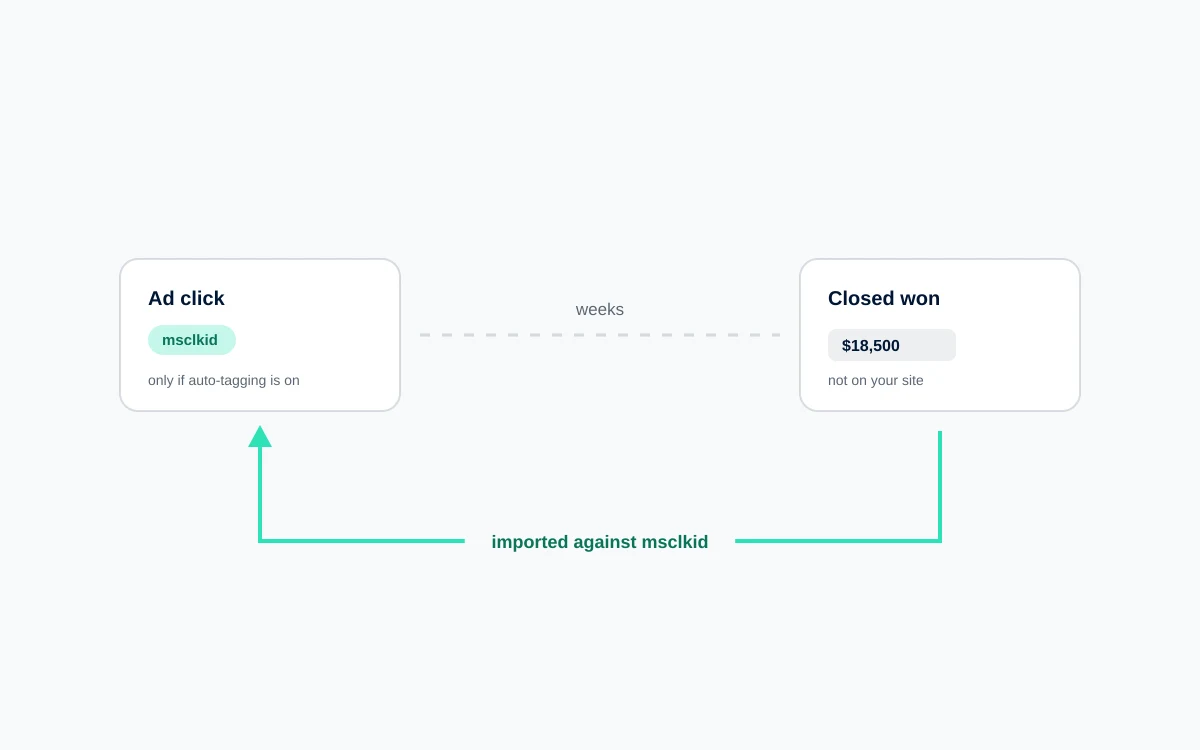
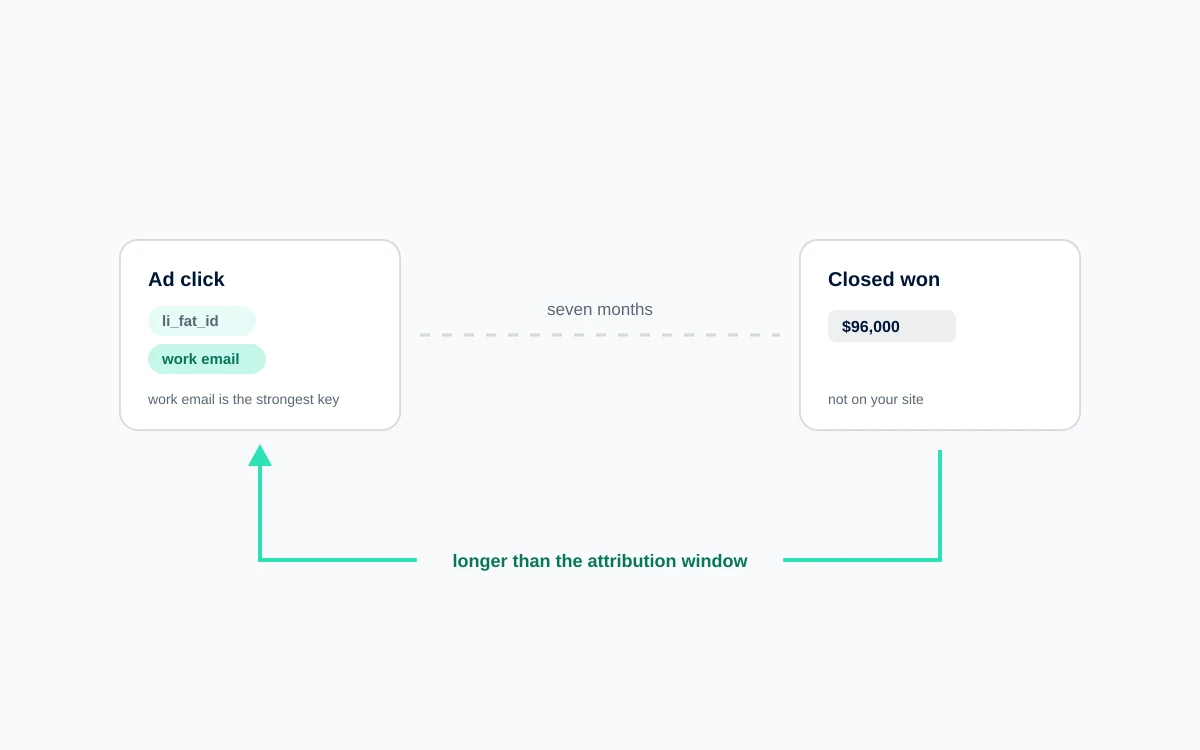
For a B2B business it usually runs: content visit, return visit, pricing page, demo request, sales call, proposal, closed won. Note that four of those seven steps happen outside the browser entirely.
This is where you discover which of your business questions cannot be answered by website tracking alone, which is exactly what you want to learn now rather than after implementation.
Step 3: which events and conversions need tracking?
Now translate the journey into events. Work through the map one touchpoint at a time, deciding whether each needs an event and, if so, whether it is a conversion or a supporting signal. Then write down what you are deliberately not tracking, which is what stops the argument recurring.
Be ruthless. The test for a conversion is simple: does this action represent genuine business value, and would you spend money to cause more of it? A purchase passes. A demo request passes. A PDF download almost never does, even though most properties mark it as one.
Aim for three to five conversions. Supporting events can be more numerous, but each one still needs a reason to exist.
Also decide what you are deliberately not tracking. Writing that down prevents the same debate recurring every quarter.
Step 4: how do I document the plan?
This is the artifact, and a spreadsheet works fine. One row per event, carrying its name, trigger, parameters, and owner. Two rules prevent most future pain: settle your naming convention once and never deviate from it, and require a worked example value for every parameter you specify.
One row per event, with these columns:
- Event name. Lowercase, underscores, consistent. Use GA4 recommended event names wherever one exists, because the platform builds reporting around them.
- Description. Plain language, one sentence.
- Trigger. The exact user action or technical condition that fires it.
- Parameters. Each one named, with its data type and an example value.
- Value source. Where the data comes from. A data layer variable, a DOM element, a URL pattern.
- Conversion. Yes or no.
- Destinations. GA4, Google Ads, Meta, and so on.
- Owner. Who is responsible for the value being available.
On that second rule, an example value matters because "order value" is ambiguous and "1499.00 as a number, excluding tax and shipping" is not.
Step 5: how do I align GTM to the plan?
Now, and only now, open Tag Manager. Start with the data layer rather than the tags, because the specification tells your developers exactly what to push and when. Insist the push happens before any tag needs to read it, then validate every path in preview mode before you publish.
Start with the data layer. Your specification tells your developers exactly what object to push and when. Insist that the push happens before the tag needs to read it, which is the single most common implementation bug.
Build your tags against the documented events. Every tag should map to a row in your plan. If you find yourself creating a tag with no corresponding row, either the plan is incomplete or the tag is unnecessary, and both are worth resolving before publishing.
Use consistent trigger logic. Prefer data layer events over DOM guesswork, because DOM based triggers break silently on every redesign.
Walk each path, confirm each event fires once, and inspect the Data Layer tab to verify every parameter is populated rather than undefined.
Step 6: how do I keep the plan from going stale?
Validation is not a one time step at launch. Reconcile GA4 against your backend in the first week, while the implementation is still fresh in everyone's mind, then keep a lighter check running afterwards. Assign an owner, because a plan nobody maintains is a historical document within about six months.
In the first week, reconcile. Compare GA4 conversions against your backend for a full period. Investigate any material gap immediately, while the implementation is fresh in everyone's mind.
Then set a maintenance rhythm. Review the plan quarterly. Check it before any site redesign or platform migration, because those are the events that break tracking most reliably. Update it whenever an event is added, and treat an undocumented event as a defect.
That owner is a named person, not a team.
What you end up with
A property where every event exists for a stated reason, a document that answers "what are we tracking" without an archaeology session, and a specification your developers can implement without a meeting.
The plan takes a few weeks. The alternative takes a few years and never quite finishes.
FAQ
What should be included in a GA4 measurement plan?
A complete plan lists your core business questions, a map of the customer journey, and a table of every event with its name, trigger, parameters, data types, value sources, conversion status, and destination platforms. It should also specify the data layer structure developers need to implement and name an owner responsible for maintaining it.
How do I choose which events to track in GA4?
Work backward from business questions rather than forward from what is easy to capture. Map your customer journey, then ask which touchpoints provide evidence for the decisions you actually make. Mark an event as a conversion only if it represents genuine business value and you would spend money to cause more of it. Most properties track far more than they need.
What is a data layer specification and do I need one?
A data layer specification defines the exact object your website must push to the browser, with property names, data types, and the timing of each push. You need one if any event depends on values the page holds, such as order value or product details. Without it, developers guess at structure and tags read variables that do not exist.
How many conversions should I have in GA4?
Three to five for most businesses. A short list keeps reporting interpretable and keeps smart bidding focused on actions that genuinely represent revenue. When a dozen events are marked as conversions, both your team and the bidding algorithms lose the ability to distinguish a sale from a newsletter signup.
How often should a measurement plan be updated?
Review it quarterly, and always before a site redesign, a CMS migration, or a change to your checkout or lead flow. Those changes break tracking more reliably than anything else. Update the document whenever an event is added or removed, and treat any event running in production without a corresponding row as a defect to resolve.

 Paid Media