There is a point in a company's growth where GA4 stops being an analytics platform and starts being a summary. The reports still load. The numbers still appear. But every interesting question now ends with someone saying the interface cannot show that.
That point arrives sooner than most teams expect, and the answer is almost always the same: export your raw data to BigQuery and analyze it there.
Here is why the ceiling exists, what sits above it, and how to tell whether you have reached it.
GA4 collects event level data extremely well. Every interaction arrives as an event with parameters attached, and the collection layer is genuinely good. The reporting layer is where the constraints live, because GA4 pre aggregates into tables built for the questions Google anticipated. Ask something outside that set and you are working against the architecture.
Those pre aggregated tables are fast and free, and they answer common questions well.
The moment your question falls outside the anticipated set, you are working against the architecture rather than with it. Not because GA4 lacks the underlying data, but because the interface will not let you reach it.
What are the three biggest limitations of GA4 for serious analysis?
Three, and each bites at a different scale. Sampling appears once an exploration gets complex enough. Data retention caps how far back any custom analysis can reach. Aggregation buckets high variety dimensions into an "other" row you cannot open.
Sampling
Standard reports are unsampled. Explorations are not. Once an exploration exceeds a threshold based on event volume and query complexity, GA4 estimates from a subset and applies a multiplier.
The estimate is usually reasonable. The problem is reproducibility. Two analysts building similar explorations get different numbers, and neither can explain the difference to a skeptical executive. Sampling does not make your analysis wrong so much as it makes it unarguable, which in practice is worse.
Data retention
The default retention for user and event level data is two months. The maximum is fourteen. Aggregated standard reports persist longer, but anything requiring event level detail is gone after your retention window closes.
The implication is severe for any business with a long sales cycle or seasonal patterns. You cannot analyze a customer journey that spans eighteen months. You cannot compare this Black Friday to the one two years ago at event level. And retention is not retroactive, so the data you did not keep is simply gone.
Aggregation and cardinality
GA4 collapses high cardinality dimensions. When a dimension exceeds roughly five hundred distinct daily values, everything beyond that is bucketed into a row labelled "(other)".
For a site with thousands of URLs, hundreds of campaigns, or a large product catalog, this happens constantly and without warning. Your long tail, which is frequently where the interesting findings live, disappears into an aggregate you cannot decompose.
What does BigQuery unlock?
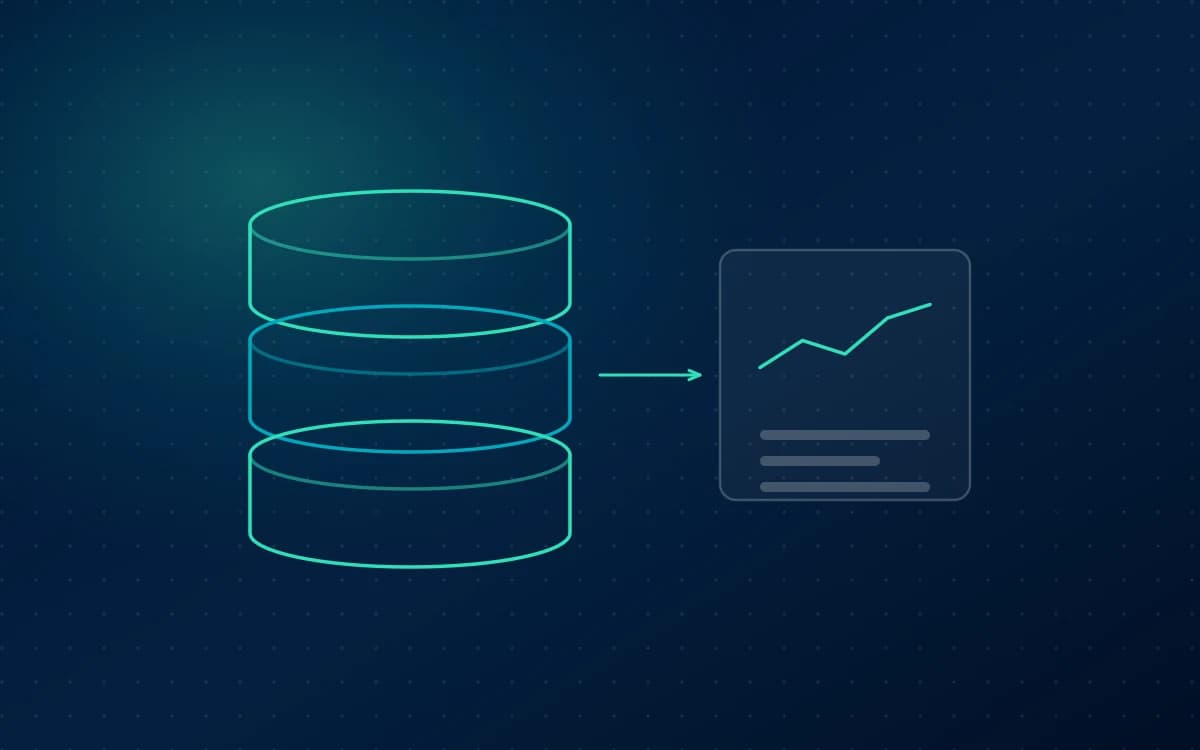
The GA4 BigQuery export sends every raw event, with every parameter, to a data warehouse you control. Three things change immediately: sampling stops entirely, retention becomes as long as you choose to keep the data, and every parameter stays available at the row level instead of being bucketed.
No sampling, ever. Every query runs against complete data. Two analysts running the same query get the same answer, every time. That reproducibility is what makes analysis defensible.
Unlimited retention. You decide how long to keep data. Three years, five years, forever. Storage is inexpensive, and the export starts accumulating from the day you enable it.
Full granularity. No cardinality bucketing, no pre aggregation. Every URL, every campaign parameter, every product SKU, exactly as it was collected. You can group and filter along any dimension the data contains, including combinations Google never anticipated.
Beyond those, you gain the ability to join. GA4 event data next to CRM records, cost data, inventory, or support tickets, in one query. That is where analytics stops describing website behavior and starts describing the business.
What can I build in BigQuery that GA4 cannot support?
Six things GA4 has no path to, all of which depend on row level access to raw events: real multi touch attribution, cohort analysis over long timeframes, lifetime value by acquisition source, funnels with custom logic, anomaly detection and forecasting, and blended reporting on a single source of truth.
Genuine multi touch attribution. Reconstruct full user paths across sessions and apply whatever credit model you choose. Compare first touch, last touch, linear, and time decay side by side. GA4 offers a fixed set of models on its own terms. In BigQuery you define the model.
Cohort analysis over real timeframes. Group users by acquisition month and track behavior over the following two years. Impossible under a fourteen month retention ceiling.
Customer lifetime value by acquisition source. Join purchase history to first touch channel and calculate what each source is genuinely worth, not what its first order was worth. This routinely reverses conclusions drawn from last click reporting.
Funnel analysis with custom logic. Steps that can occur in any order, funnels that span devices, or steps that live partly in your CRM. GA4 funnel explorations are rigid by comparison.
Anomaly detection and forecasting. Run statistical models against your own data, on your own schedule, with results feeding back into dashboards.
Blended reporting on a single source of truth. Load ad spend from every platform alongside GA4 behavior, and compute blended efficiency metrics that no single platform can produce.
How does the GA4 BigQuery export work?
The setup is genuinely simple, which surprises people. You link a Google Cloud project from GA4, choose a data location and which streams to include, and pick a frequency. The part that matters is not the setup at all: the export does not backfill, so it only ever holds data from the day you switch it on.
In GA4, open Admin, then BigQuery Links, and connect a Google Cloud project. Choose your data location, select which streams to include, and pick an export frequency. Daily export is free and delivers a complete table per day. Streaming export delivers events within minutes and carries a small cost.
From then on, GA4 writes a table per day into a dataset in your project, named events_YYYYMMDD. Each row is one event, with nested fields for parameters, user properties, traffic source, device, and geography.
The nesting takes some getting used to. Event parameters live in a repeated field, so extracting a value requires an UNNEST operation rather than a simple column reference. This is the main learning curve, and it is a few hours rather than a few weeks.
The export is not backfilled. There is no way to retrieve historical data afterward. This is the single strongest argument for enabling it now even if you have no immediate plans to query it, because a year from now you will either have a year of history or you will not.
Do I need BigQuery yet?
You probably need it if you have meaningful event volume and regularly hit sampling in Explore, a sales cycle longer than your retention window, a large catalog or URL set that triggers cardinality bucketing, questions that require joining site behavior to CRM or financial data, or an analyst who can write SQL and is currently spending their time exporting CSVs.
You probably do not need it yet if your traffic is modest enough that sampling never appears, your funnel completes within a single session, your reporting needs are met by GA4 and Looker Studio, and nobody on the team writes SQL.
There is a third category worth naming: businesses that do not need BigQuery today but will within a year. For them the answer is to enable the export now and start querying later. It costs almost nothing to accumulate data, and it is the only decision here that cannot be reversed.
The practical summary
GA4 is a good collector and a limited analyst. BigQuery removes the limits at the cost of requiring someone who can write a query.
If your team has stopped asking questions because the answer keeps being "GA4 cannot show that", you have already found your answer.
FAQ
Is the GA4 BigQuery export free?
The export itself is free for daily batch delivery. Streaming export carries a small charge per gigabyte. What you pay for is Google Cloud: storage, which is inexpensive, and query processing, billed by data scanned. The free tier covers a meaningful amount of both. Most mid sized sites spend a modest monthly amount, and costs stay low when tables are partitioned and queries are written to scan selectively.
Can I get historical GA4 data into BigQuery?
No. The export only includes data from the date you enable it forward, and Google does not backfill. This is the strongest reason to turn it on immediately even if you have no near term plans to use it. Historical data from other systems can be loaded separately, but GA4 event history that was never exported cannot be recovered.
Do I need to know SQL to use BigQuery?
To write queries directly, yes. GA4 export tables use nested and repeated fields, so extracting event parameters requires UNNEST, which is the main learning curve. You can avoid SQL entirely if someone builds the queries and models for you and connects the output to Looker Studio, where your team consumes results through dashboards.
How much does BigQuery cost for GA4 data?
Costs scale with event volume and query patterns. Storage runs a few cents per gigabyte per month, and querying is billed on data scanned with a monthly free allowance. A site with moderate traffic typically spends a small amount monthly. Partitioning tables by date and selecting only needed columns keeps scanning, and therefore cost, well controlled.
What is the difference between GA4 and BigQuery for reporting?
GA4 is a collection platform with a pre aggregated reporting interface designed around common questions. BigQuery holds the same data raw, unsampled, and unaggregated, with no retention ceiling and the ability to join against other systems. Use GA4 for everyday reporting and BigQuery when your questions outgrow what the interface will answer.
 Paid Media